
Unswag bottles, laptops & gadgets
Logos on bottles, laptops, and gadgets. Fabric rules don’t apply here.
What you’ll need
- Rubbing alcohol, 70% or higher on Amazon
- Cotton pads or a microfiber cloth on Amazon
- Hair dryer
- Plastic scraper on Amazon
Every fabric, ink, and glue is different. Test on a hidden spot, go slow, and know that removal can damage an item.
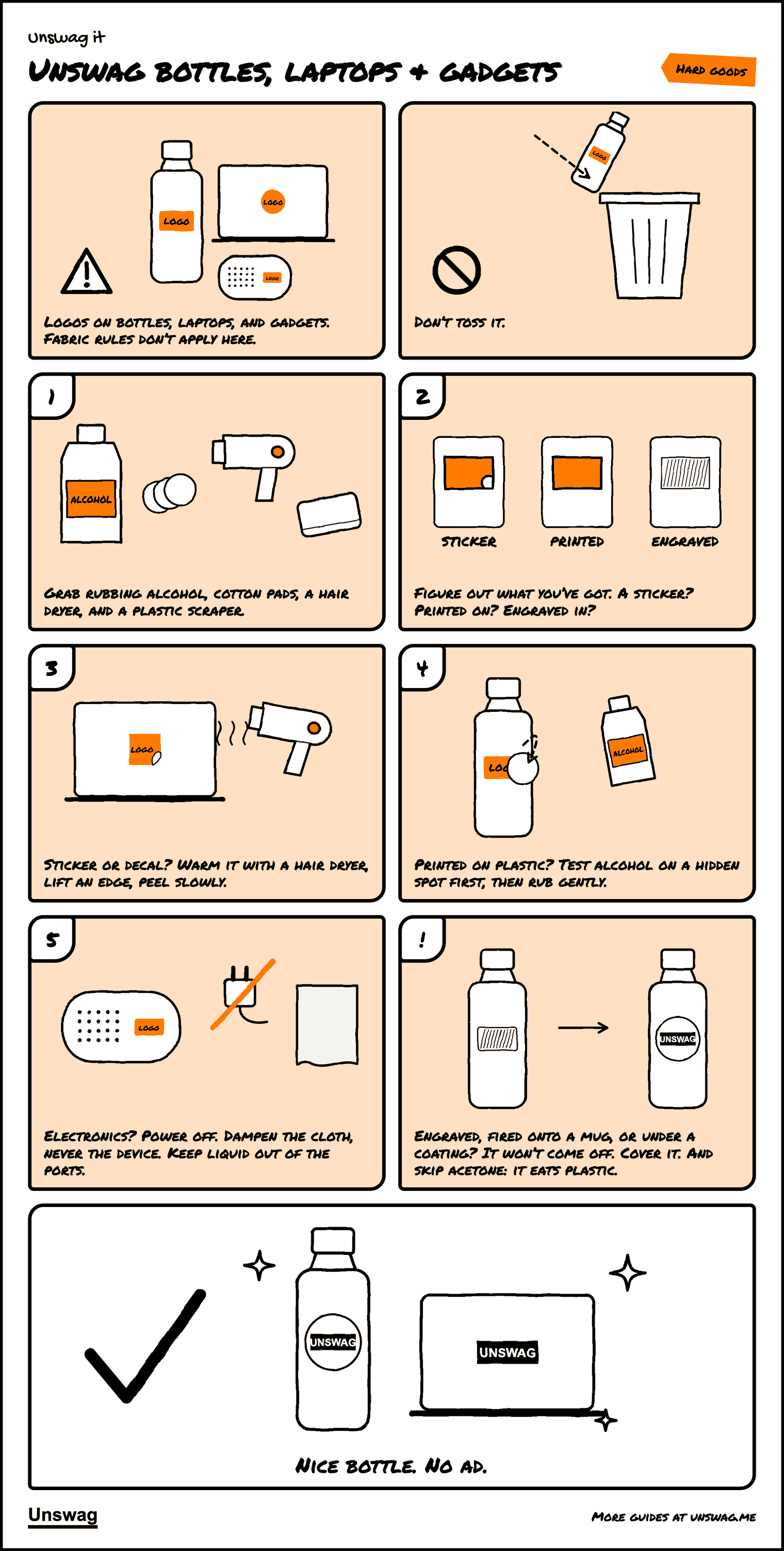
Download the PDF Two pages, 406 KB. The pictures, then the written steps.
Written steps
- Grab rubbing alcohol (70% or higher), cotton pads or a microfiber cloth, a hair dryer, and a plastic scraper.
- Work out what kind of logo it is. A sticker or decal has a raised edge you can catch with a fingernail. A printed logo is flat ink on the surface. An engraved logo is cut or etched into the material and usually looks frosted or darker than the surface around it.
- Stickers and decals: warm the logo with a hair dryer for 20 to 30 seconds, lift an edge with the scraper, and peel slowly. Clean leftover glue with a little alcohol on a pad.
- Printed on plastic: test alcohol on a hidden spot first. If the surface looks fine after a minute, rub the logo gently with a dampened pad. Some inks come right off; some won’t move at all. If it doesn’t budge after a few minutes, stop and cover it.
- Electronics: power the device off and unplug it. Dampen the cloth, never the device, and keep liquid away from ports, buttons, and speaker grilles. Don’t scrape battery packs or anything with a seam that could let liquid in.
Won’t come off: laser-engraved metal, logos fired onto ceramic mugs, and logos under a clear coat or powder coat are effectively permanent. Removing them means grinding or stripping the surface. Cover them with a sticker instead. Skip acetone on anything plastic or coated; it can soften plastic and strip finishes.
Didn’t come off? Cover it.
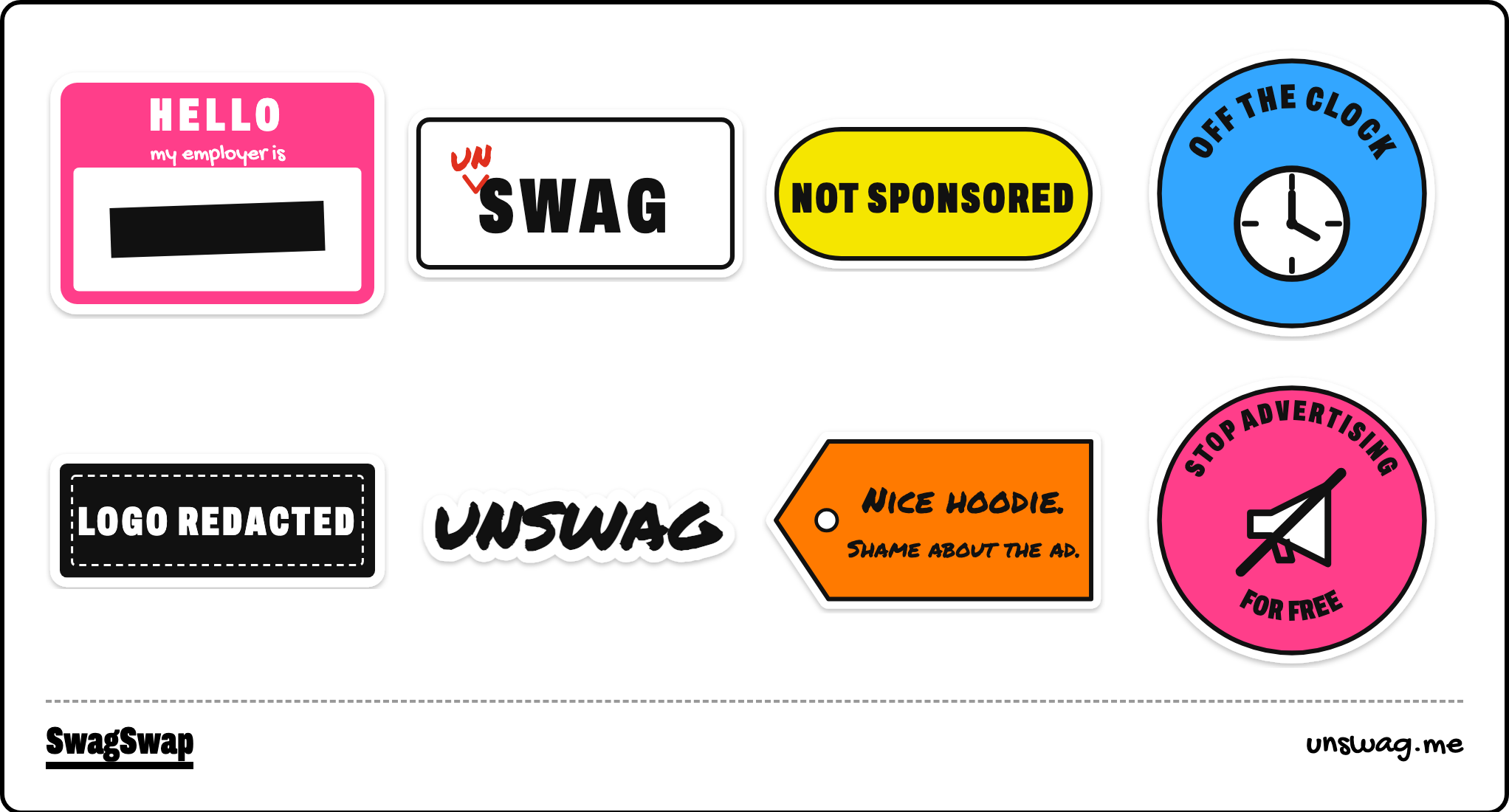
Sticker sheet
Sheet: 5.8 × 8.3 in, eight designs.