
Get a logo off electronics
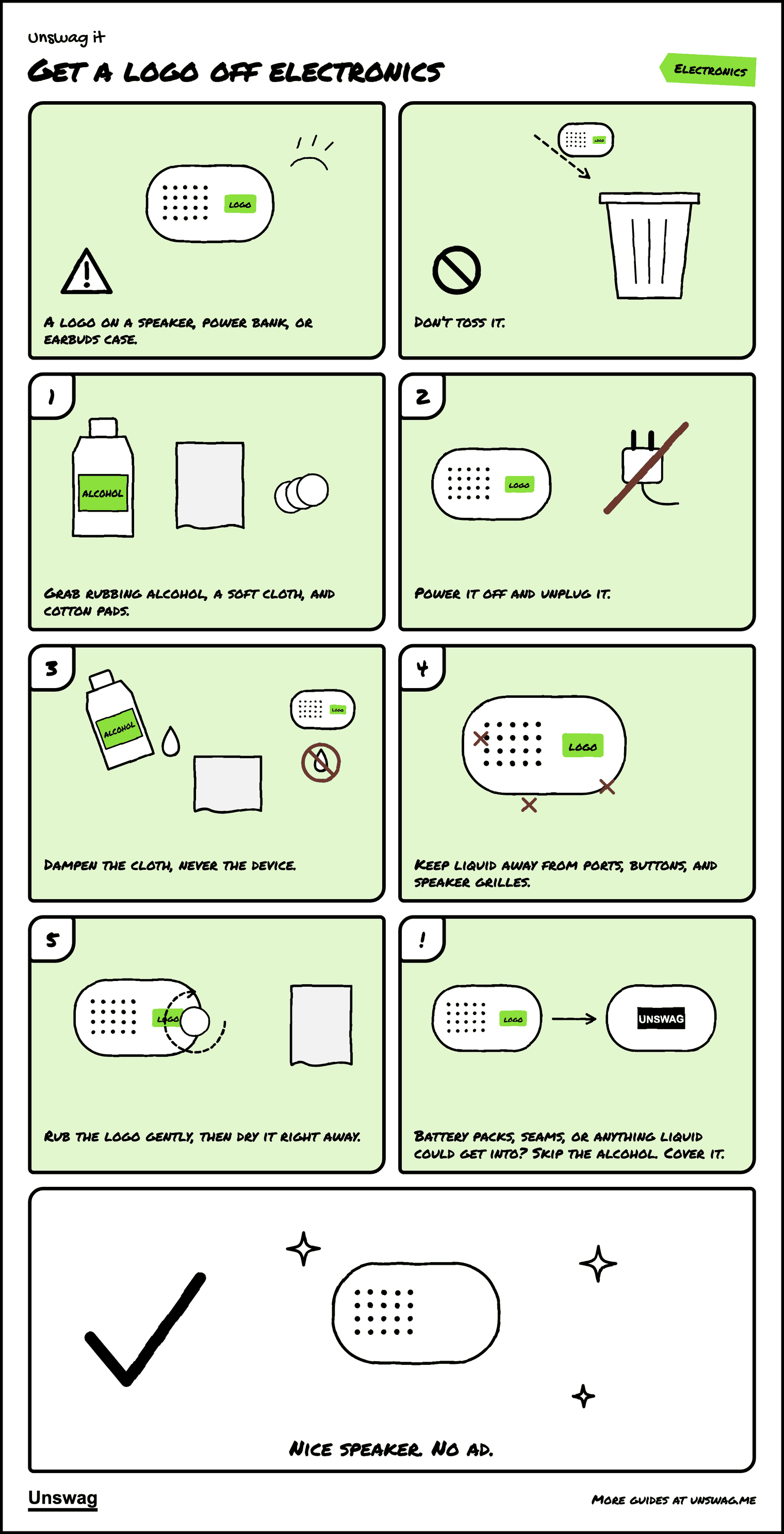
A logo on a speaker, power bank, or earbuds case.
REMOVE is the verdict for this kind of logo
What you’ll need
Every fabric, ink, and glue is different. Test on a hidden spot, go slow, and know that removal can damage an item.
Download the PDF Two pages, 333 KB. The pictures, then the written steps.
Written steps
- Grab rubbing alcohol (70% or higher), a soft microfiber cloth, and cotton pads.
- Power the device off and unplug it.
- Put the alcohol on the cloth or pad, never directly on the device. The cloth should be damp, not wet.
- Keep liquid away from charging ports, buttons, seams, and speaker grilles.
- Rub the logo gently. If it starts to lift, keep going; if nothing happens after a minute or two, stop. Dry the surface right away.
When to skip removal: on battery packs, anything with an open seam, or anything you can’t afford to damage, cover the logo with a sticker instead.
Didn’t come off? Cover it.
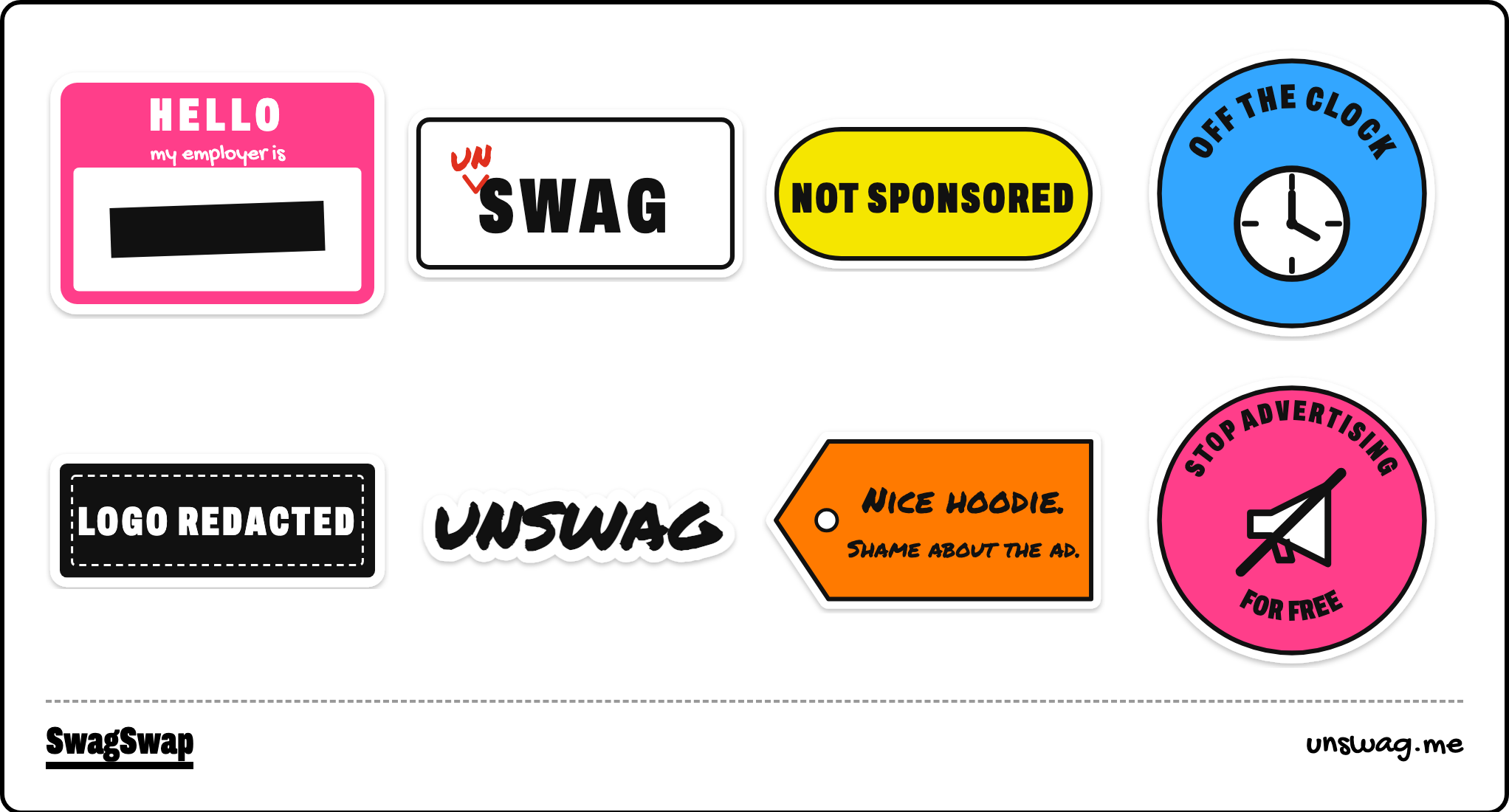
Sticker sheet
Sheet: 5.8 × 8.3 in, eight designs.